

POST, PUT, GET) to perform functions on objects. For example, to create a new user object, you send a POST request to the /users endpoint. Some requests include data in their message body, for example to define the attributes of the object being created or updated, and the Core API requires that this data be in JSON format.
You should assume that all calls and other interactions with the Marqeta platform expect case-sensitive input, unless indicated otherwise.
For more on reporting, see About Reporting.
Ready to start building? The Core API Quick Start includes a hands-on tutorial that helps you create the basic Marqeta platform resources.
Understanding API objects
The Core API includes objects on which you can call methods that result in, for example, issuing payment cards and customizing card behavior. Some important Core API objects include:-
card– represents a payment card (physical or virtual) for conducting transactions. -
user– represents a person who uses a payment card. -
gpaorder– used to load funds into an account. -
fundingsource– represents the source from which agpaorderobject draws funds.
Accessing the sandbox environment
The Marqeta platform provides a sandbox environment where you can explore the capabilities of the Core API. There are two types of sandbox environments available:- Public sandbox: A single-user environment where you can begin building your program. Public sandbox users are typically potential customers who are evaluating Marqeta as a partner in their application.
- Private sandbox: A multi-user environment where you can integrate your application with the Marqeta platform. Marqeta customers use the private sandbox and its connected microservices to validate their application’s integration, as well as ongoing API changes.
HTML
Note
This is a private testing and development environment. For more information about exploring the public sandbox, see Core API Quick Start.
This is a private testing and development environment. For more information about exploring the public sandbox, see Core API Quick Start.
Using interactive widgets
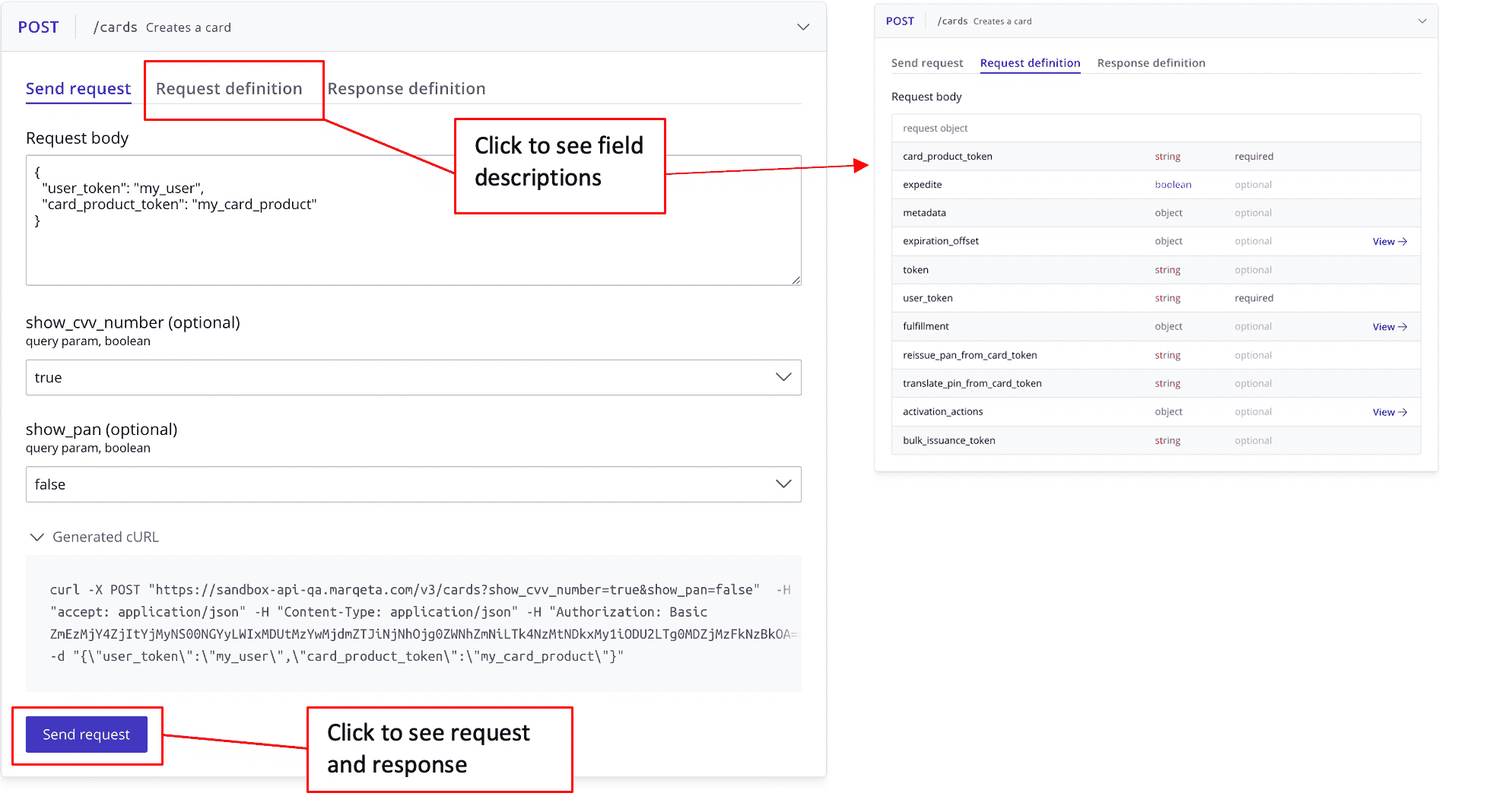
Marqeta’s developer documentation includes interactive widgets that you can use to explore and test the Core API directly from your browser. After logging in to your account, you can use these interactive widgets: Some pages include inline widgets for submitting API requests to specific endpoints. For example, Core API Quick Start provides a step-by-step tutorial for configuring a card and simulating a transaction with the Core API. To use an interactive widget:1
Log in or sign up for an account.
2
Go to a page with the interactive widget that you want to use.
3
Select the widget to expand it.
4
Select the Send request tab. The parameters and the example value in the Request Body field become editable.
5
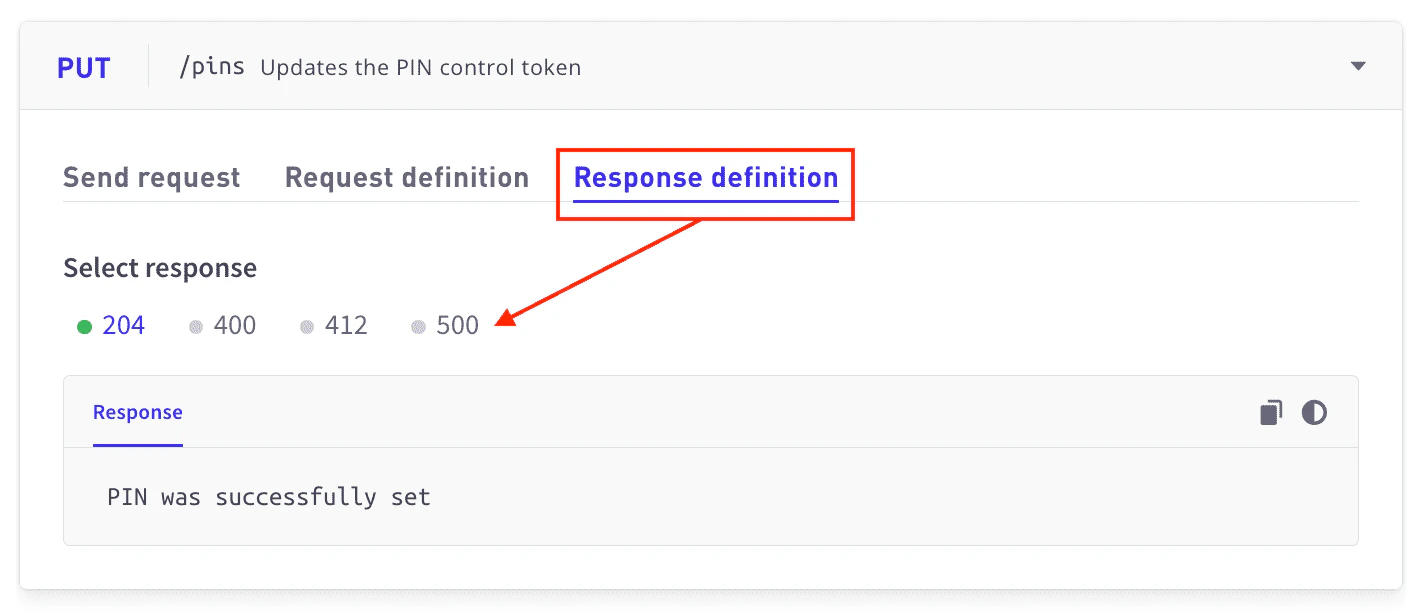
Enter the desired parameters and request body details, and select Send request. The widget submits a request to the sandbox environment associated with your account and shows the cURL and the response.
Accessing production environments
Each Marqeta customer who enters into an agreement to receive Marqeta’s services will access the API and operate within an individually tailored production environment called a program. To access the API in production, use the unique base URL for your program. Be sure to update any tests or code samples with the correct base URL. For example:HTML